Groups
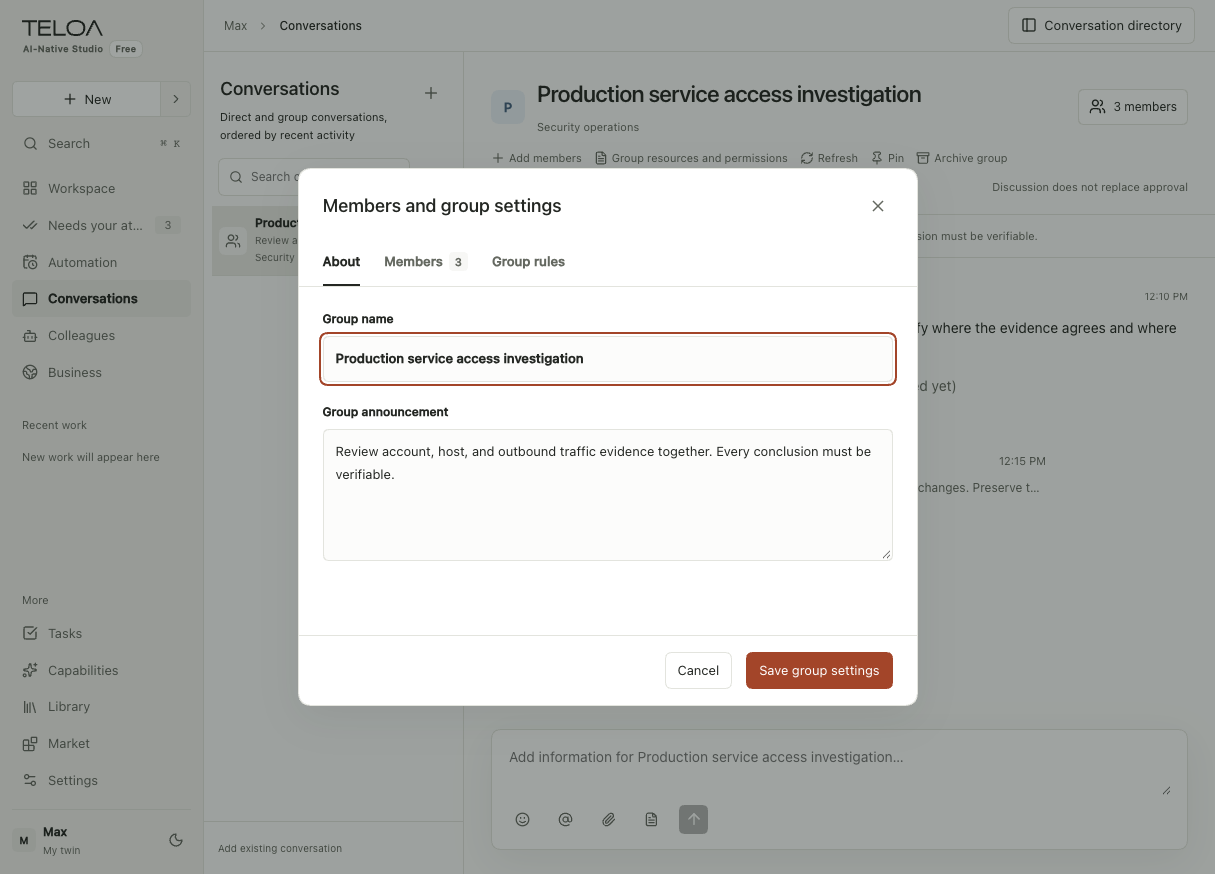
Work with several digital colleagues together. Mention colleagues to assign, discuss, or hand off work. Tasks keep a record of progress and results.
Teloa · An AI team, led by you
You set the goals, delegate work, and make the key decisions.
Your digital colleagues do the work and report back with progress and results.
Organize teams by business and work together in group conversations. Assign one-off tasks or automate recurring work. Keep role expertise with your colleagues and personal judgment with your digital twin.
Control the code · Self-host · Bring your own model
For independent professionals and one-person companies · Explore use casesExplore 15 real screens, starting with the workbench.
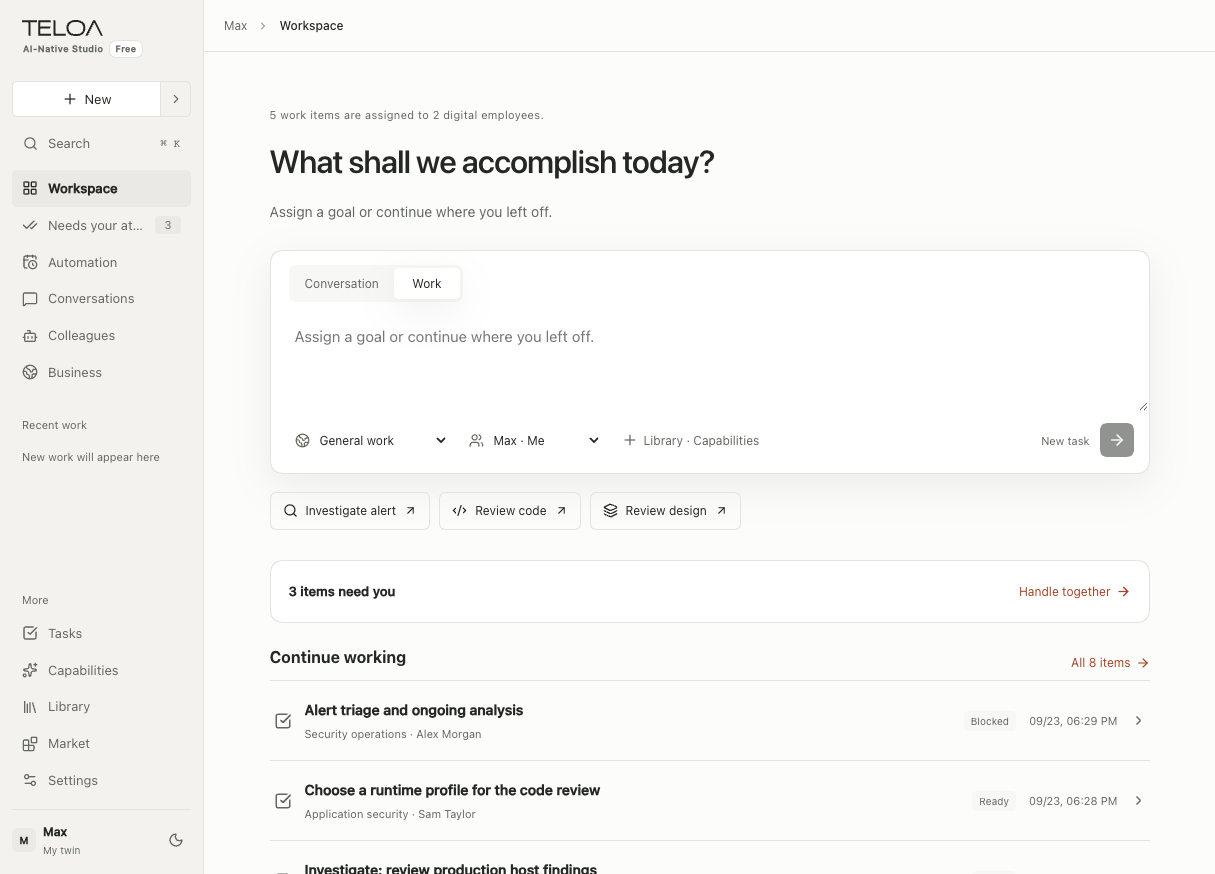
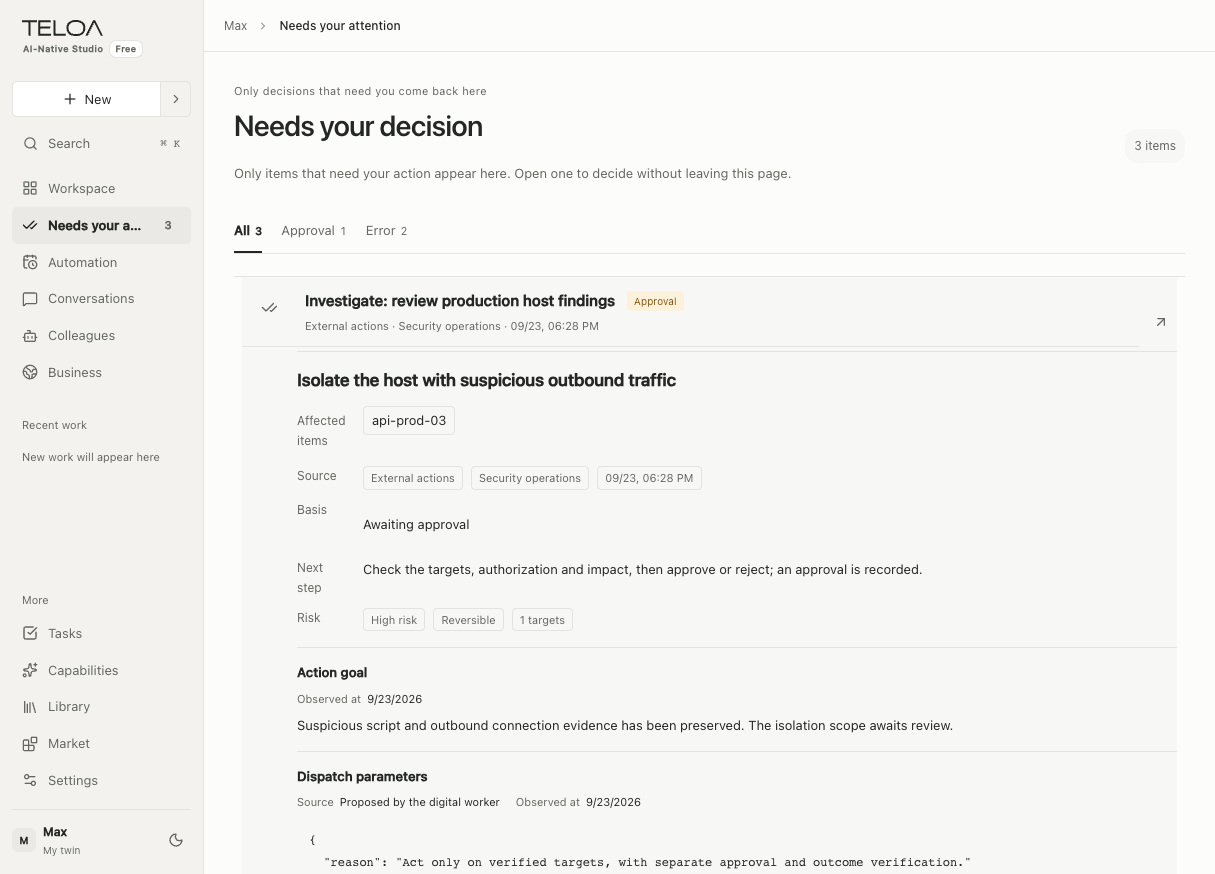
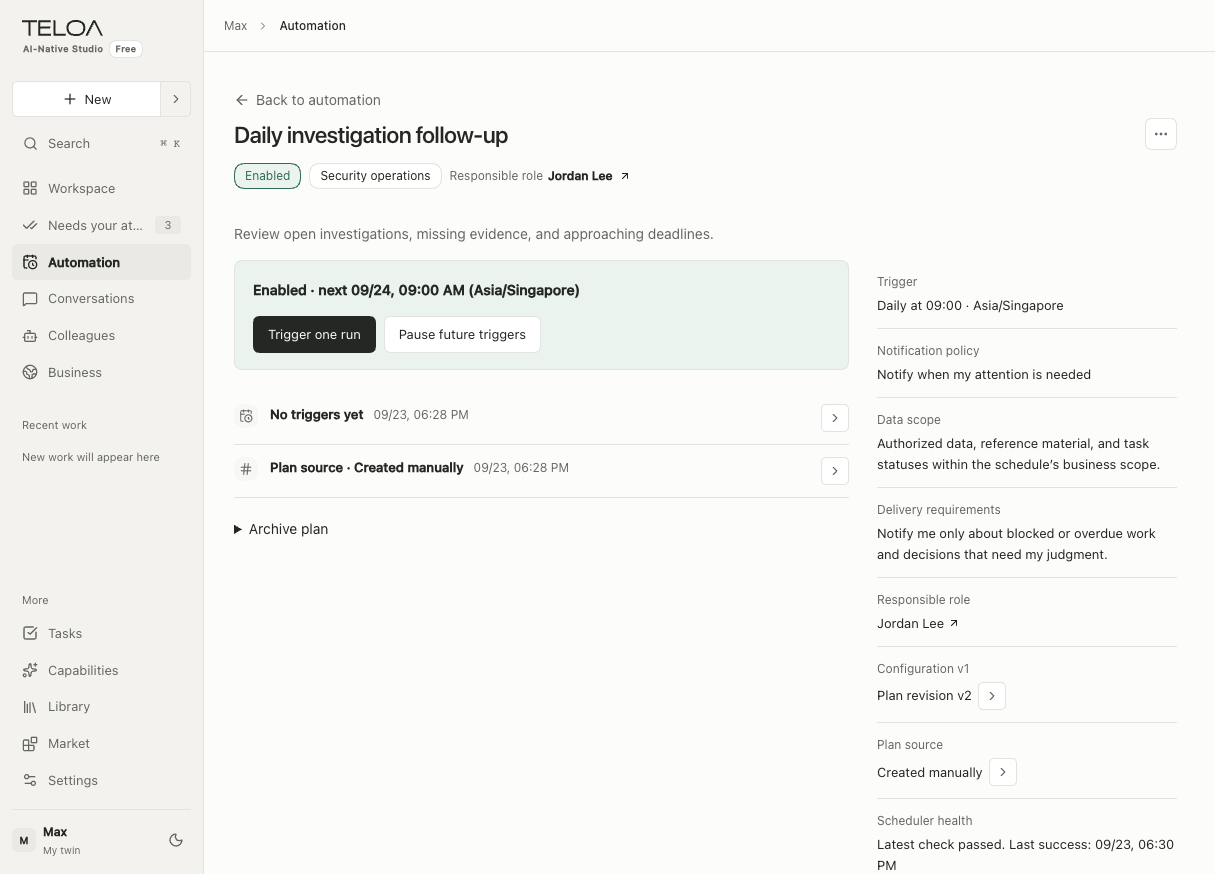
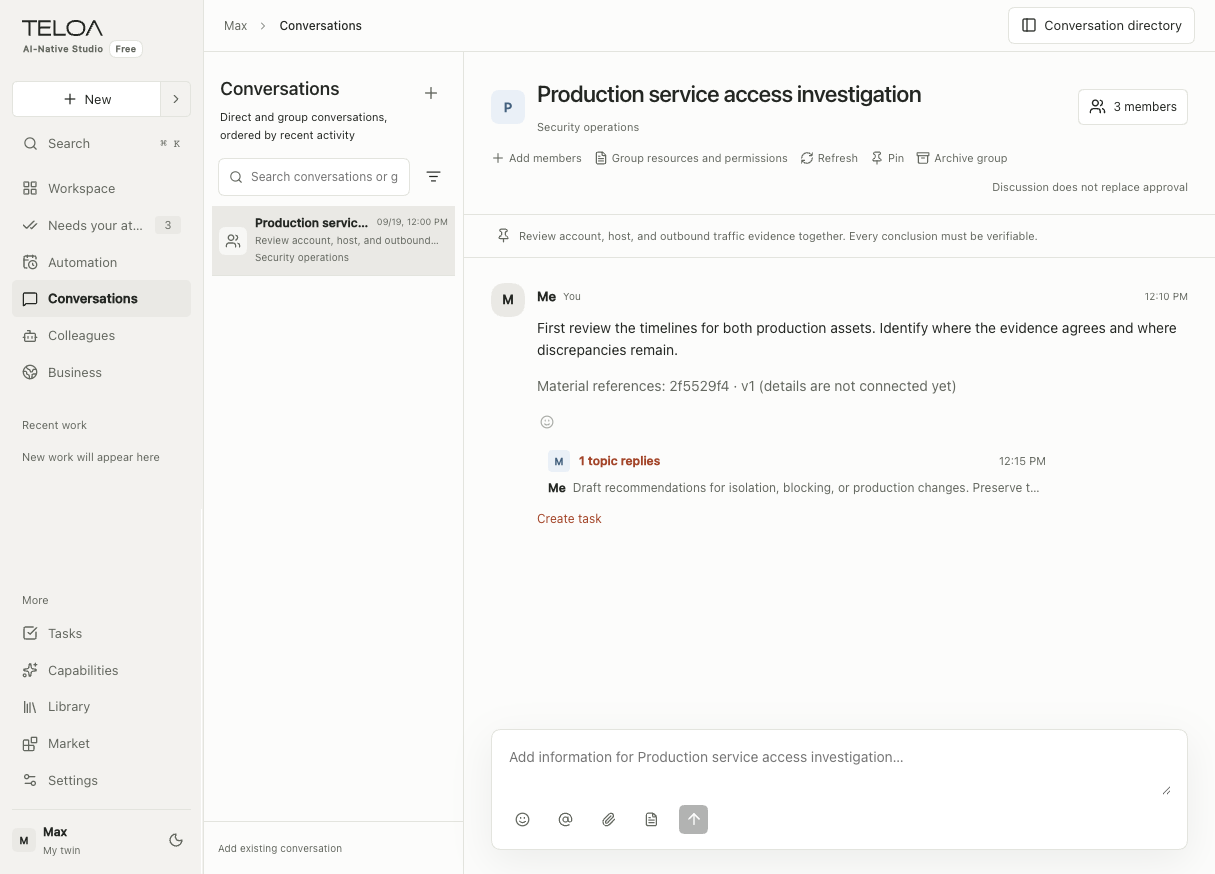
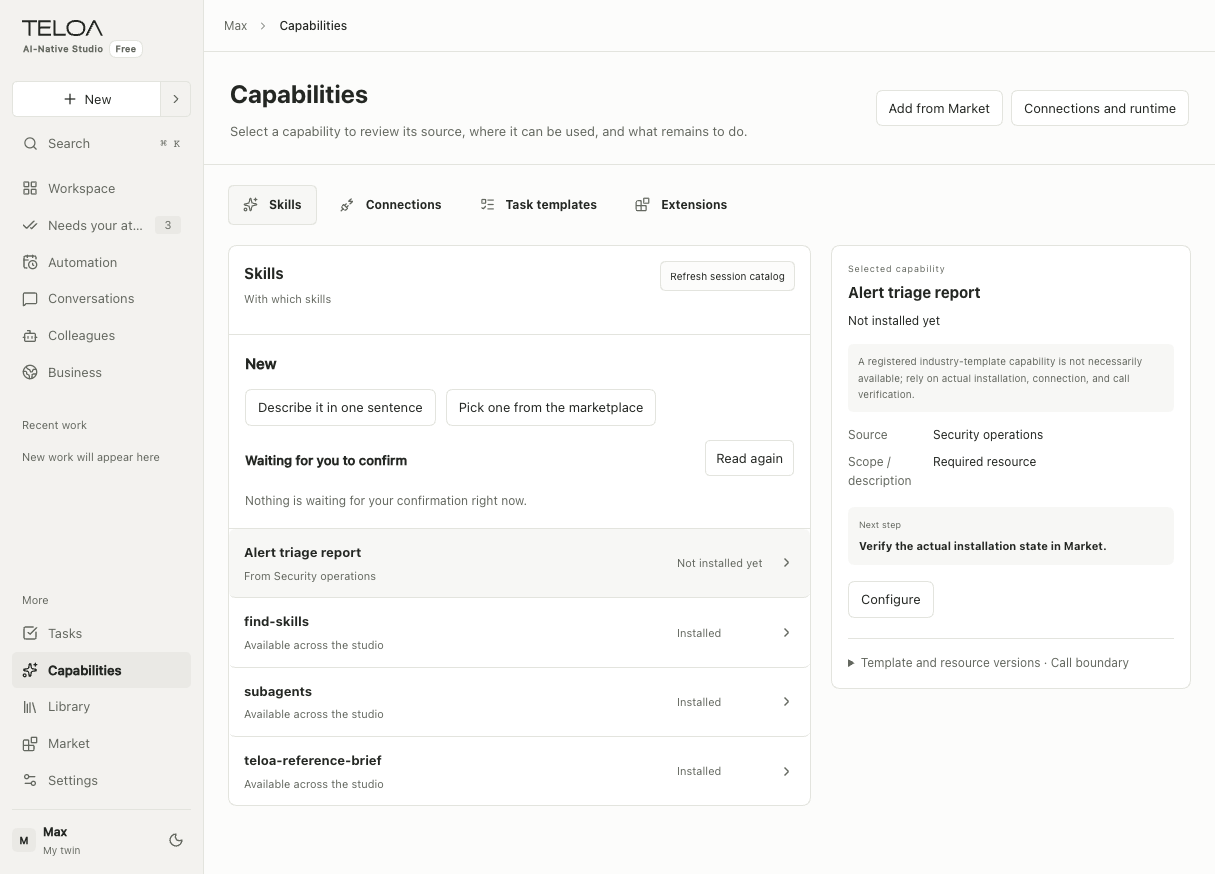
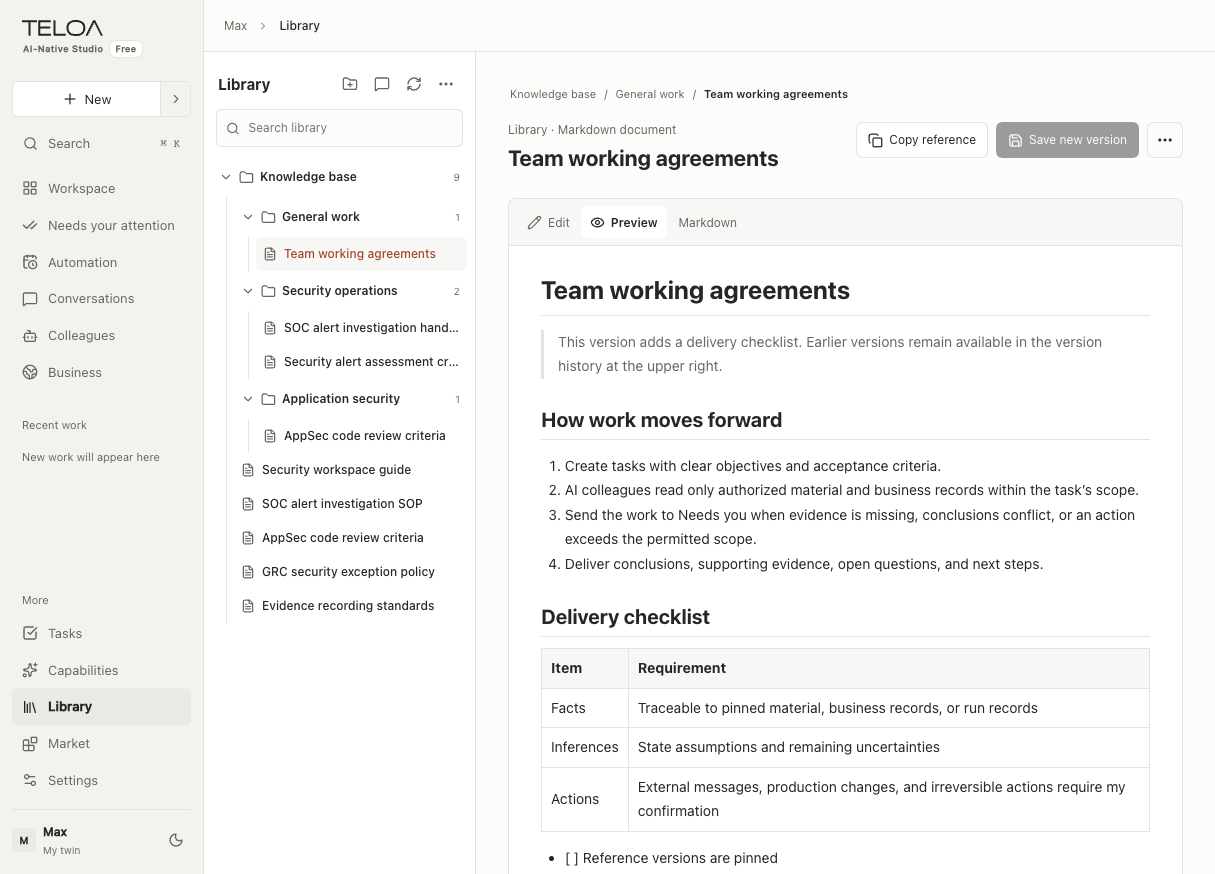
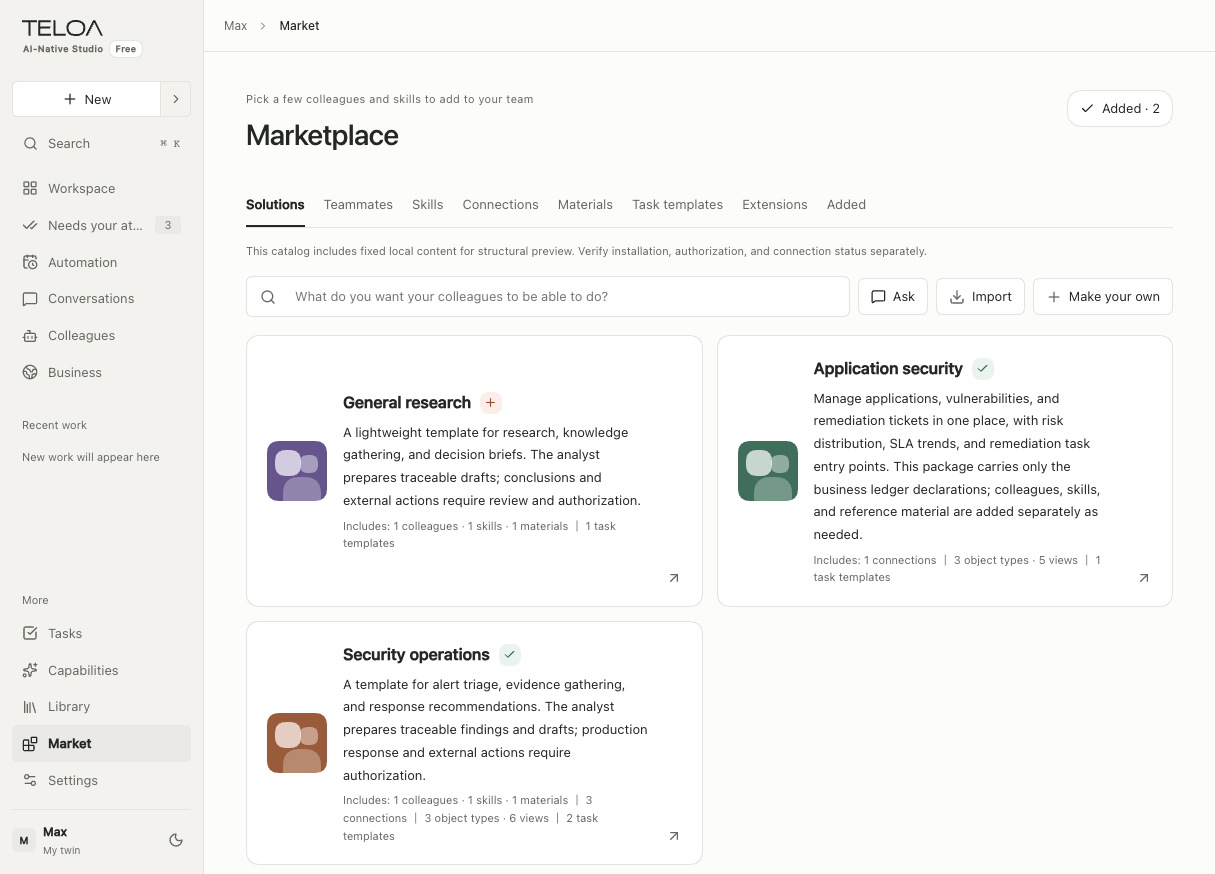
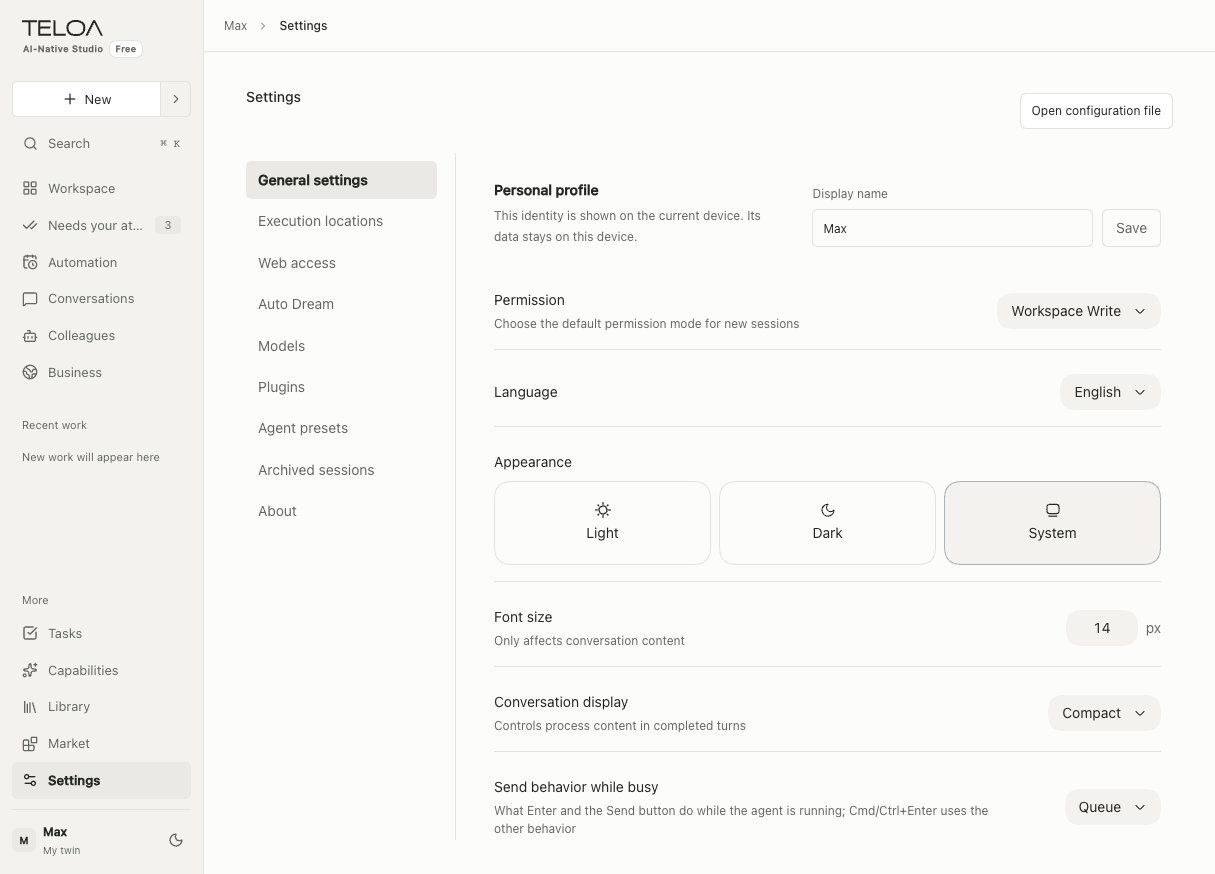
How it works · Organize your AI team by business
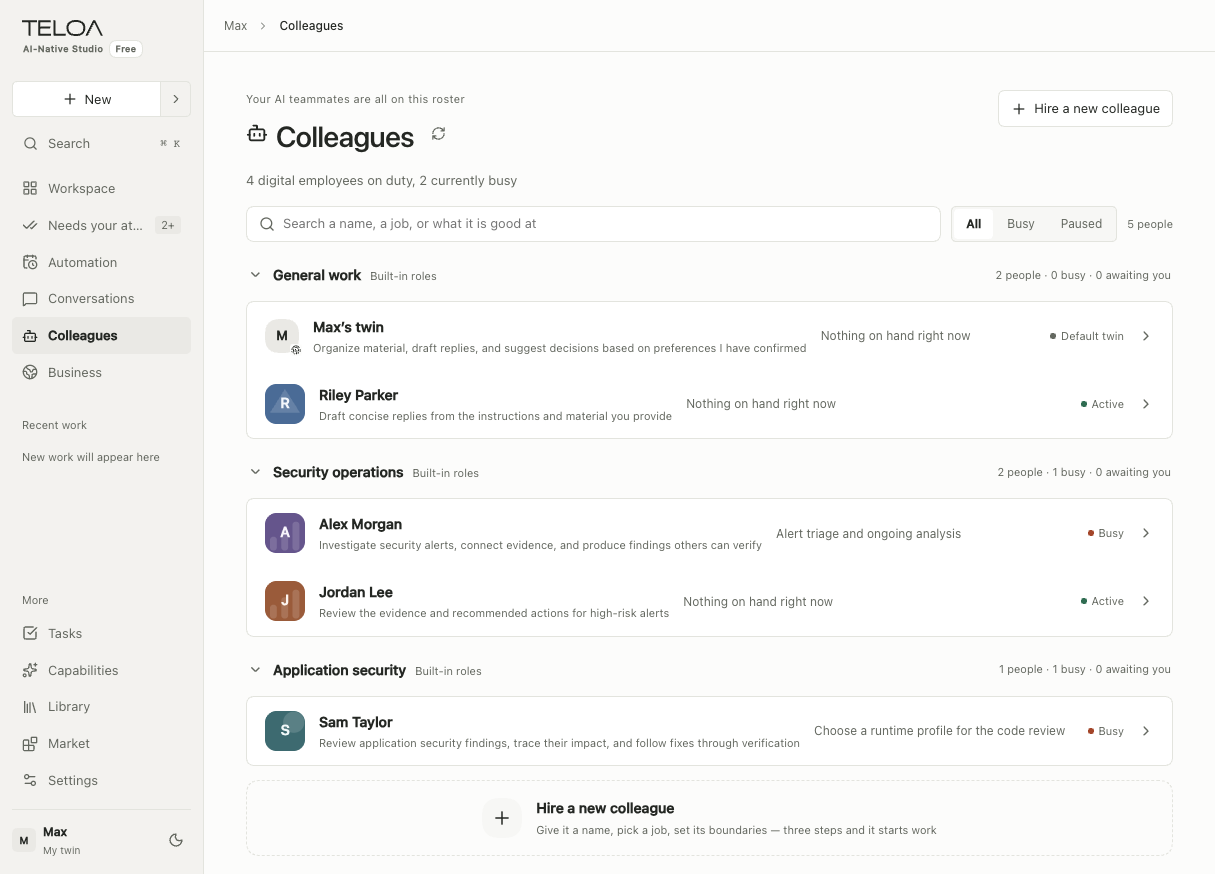
You lead the team. Each digital colleague is an agent with a defined role and skills. Assign work, ask for updates, and review results in the group. Decisions that need your input come together in Needs you.
Businesses
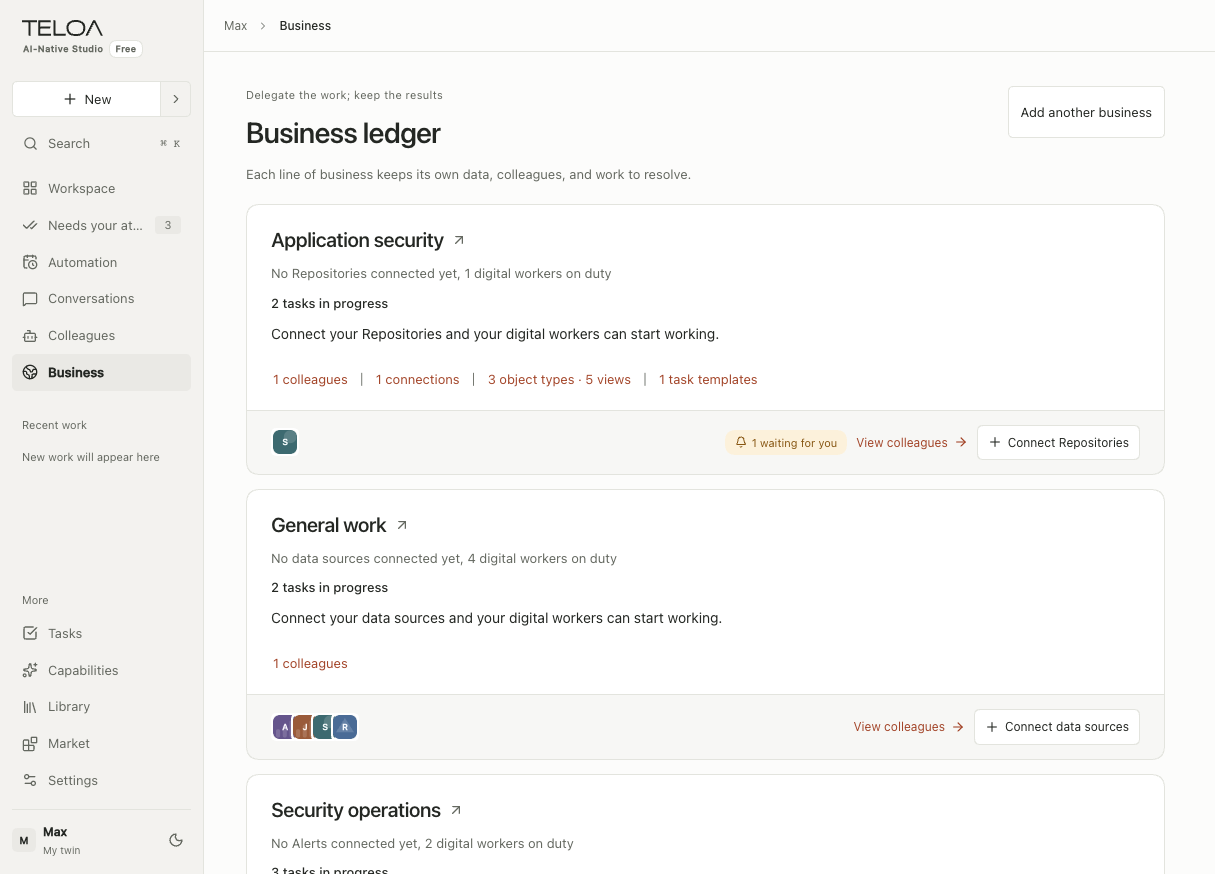
A content studio, a marketing service, or a security operations practice can each have its own roles, knowledge, skills, and tools.
Work with several digital colleagues together. Mention colleagues to assign, discuss, or hand off work. Tasks keep a record of progress and results.
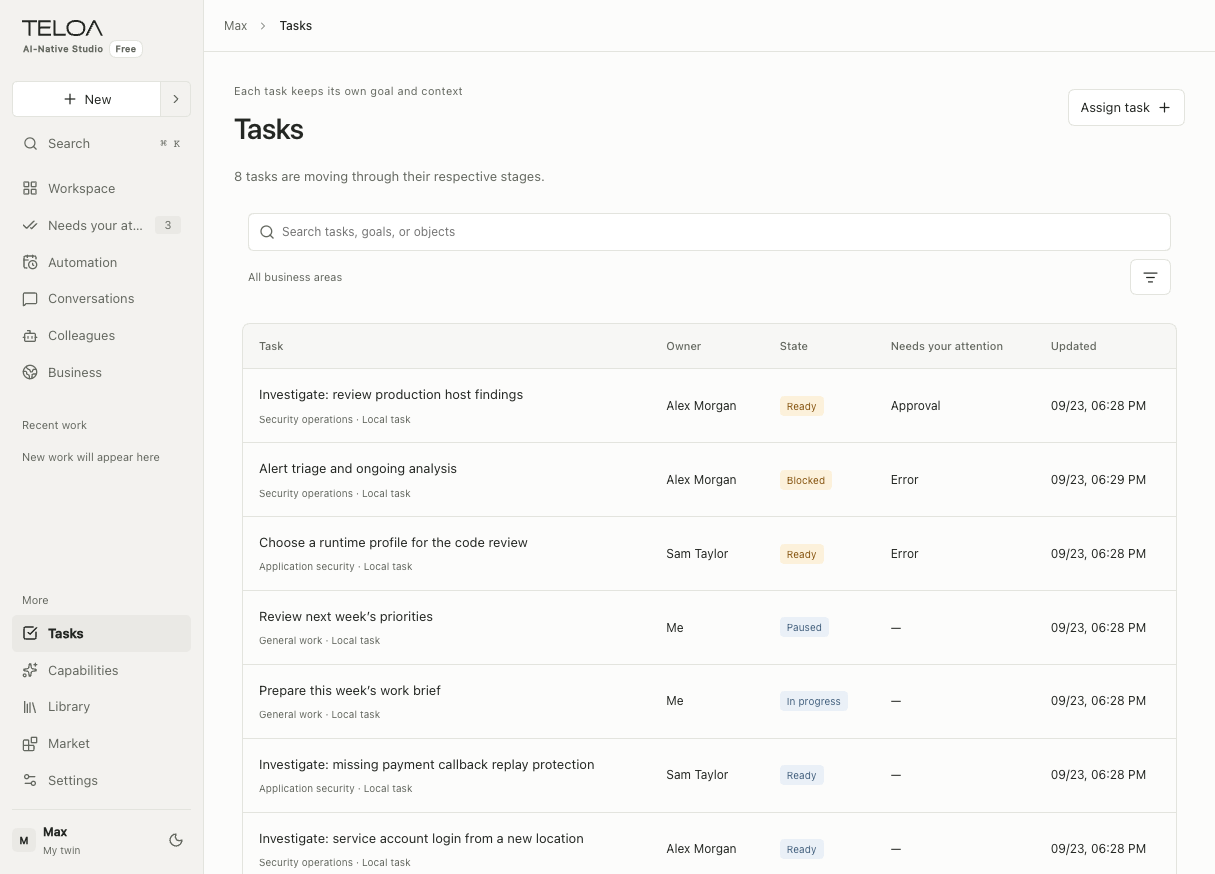
Assign a task for the work at hand. Turn recurring work into an automation, run on schedule by the colleague you choose.
Bring tasks, groups, and results together around a shared deliverable. For now, organize work by business and group.
Colleagues, knowledge, and capabilities belong to the businesses that use them. Find them under Businesses in the product.
Choose roles and configure knowledge, skills, and tool permissions. Organize related resources by business.
Describe the work in a conversation or group. Review progress and results. Handle approvals, missing information, and issues in Needs you, or take over yourself.
Save task requirements as templates, automate recurring work, and let Auto Dream organize the lessons from each day.
A task is one piece of work. A template holds requirements you can reuse. Automations run at a daily or weekly time you set; your local service must stay running.
Settings Manage models, plugins, the runtime, web permissions, and Auto Dream schedules for your studio.
Use cases · One-person companies
Built for one-person companies: you set the direction, work with clients, and approve deliverables. Your AI colleagues take on research, writing, and analysis.
Run a specialist content channel
Save the brief as a task template and schedule weekly reviews. Keep writing preferences you have confirmed for future work.
Plan a client’s product launch
Organize client material by business. Generate weekly reports on schedule and handle task approvals and issues in Needs you.
Triage alerts for an authorized client
Schedule checks within the authorized scope, reuse triage templates, and review the day’s lessons with Auto Dream.
These are illustrative use cases. Configure roles and tasks for your business. Data access, publishing, ad placement, and security actions depend on configured connectors and permissions.
See how to configure colleaguesTwo kinds of digital roles
Digital colleagues build working methods around their roles. Your digital twin focuses on you: your experience, preferences, and judgment.
Digital colleagues · Distill role expertise
Define a colleague’s responsibilities, deliverables, skills, and knowledge, then set tool permissions. Working methods and experience stay with the role for future tasks.
For example, a researcher keeps methods for synthesizing interviews, checking sources, and writing reports.
Digital twin · Distill your judgment
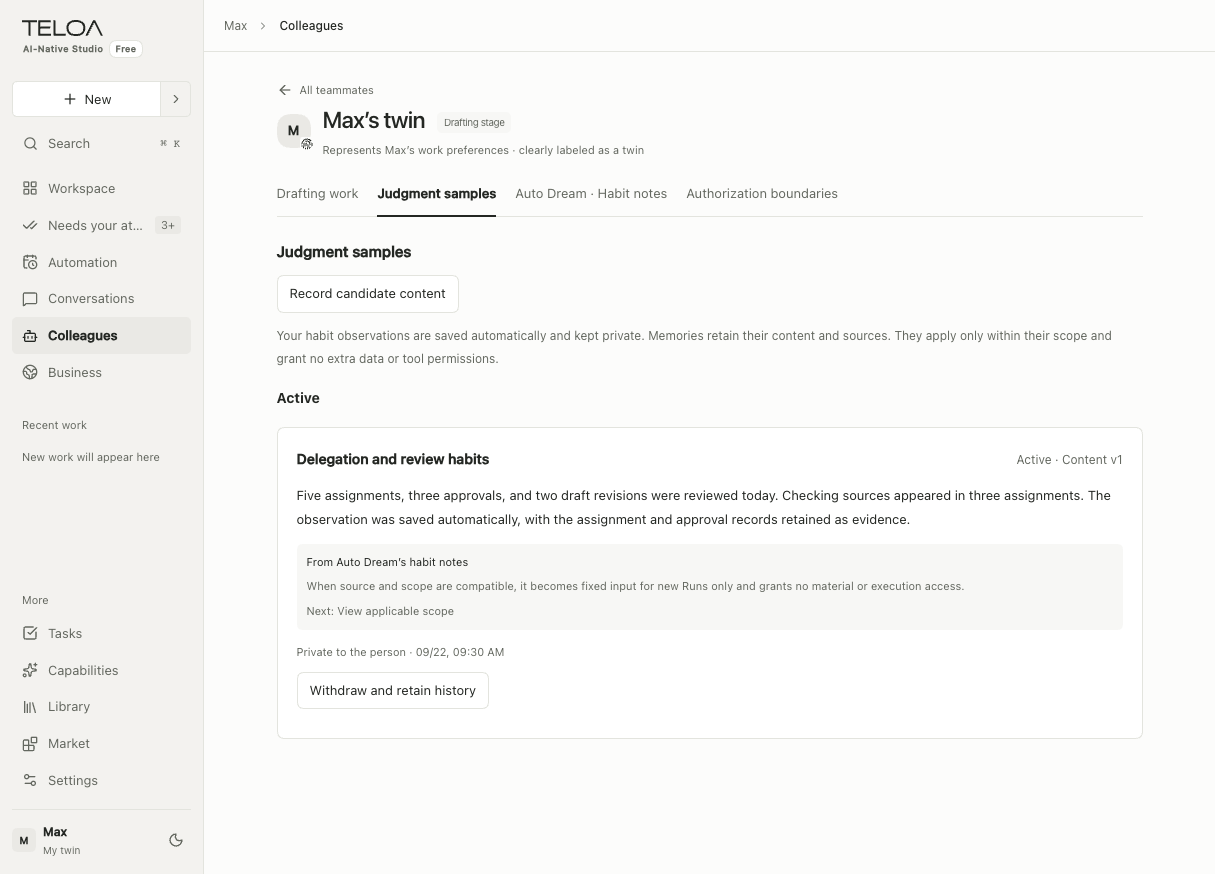
Observe patterns in your approvals, revisions, and corrections, and record examples of your judgment. You decide what is worth keeping.
For example, keep the reasons you approved a proposal or asked for it to be redone.
Here, “distill” means extracting reusable skills and experience through configuration, memories, and judgment samples. It does not mean training model weights. Twin samples are not yet automatically applied to later general conversations.
Synthesizes interviews, checks sources, and recommends product improvements.
Find three recurring problems in this week’s interviews.
A list of problems, interview excerpts, and suggested priorities, saved with the task.
Colleagues plan steps around the goal, use existing Skills, and can adapt their approach within the permissions you grant.
Experience and memory · Auto Dream
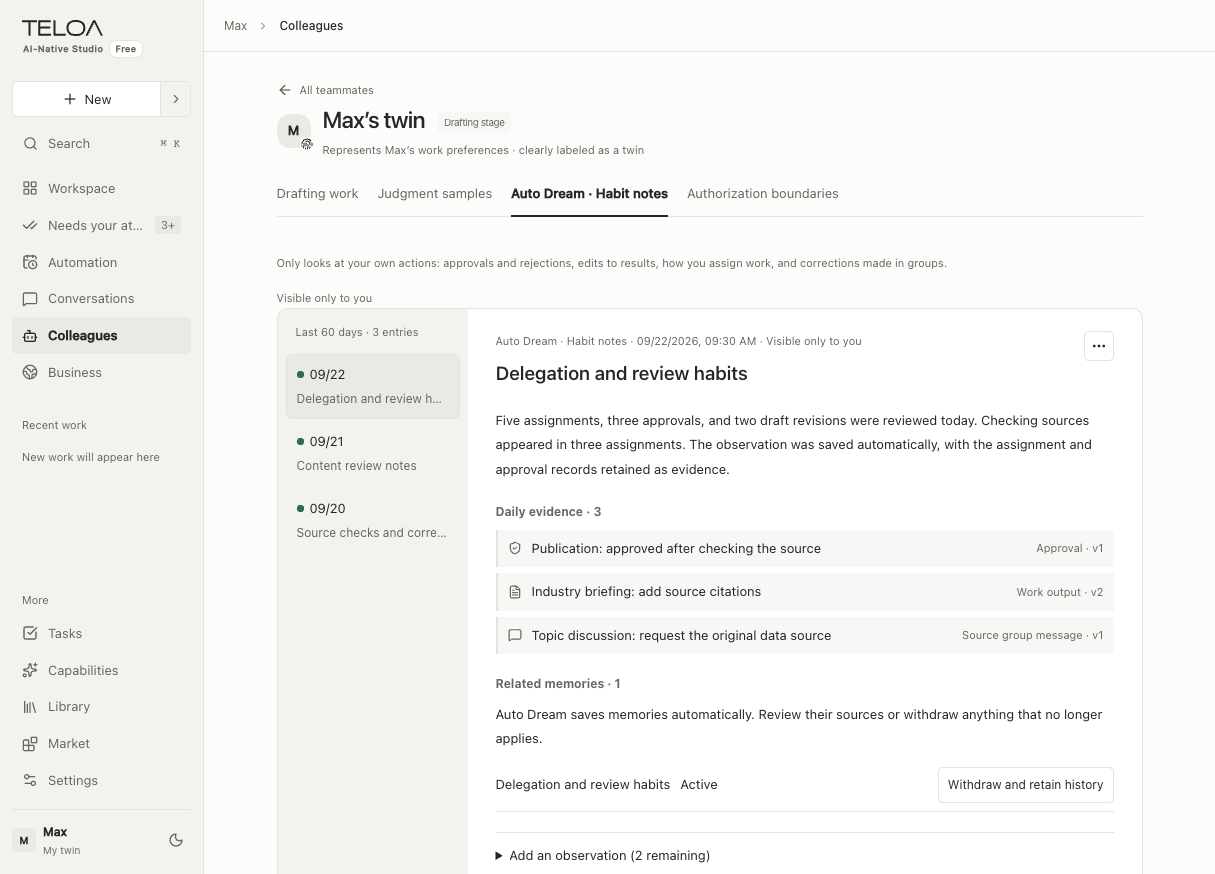
On a schedule, colleagues review tasks, feedback, and results. They summarize the day, retain sources, and extract useful lessons. You can inspect the sources, manage memories, and withdraw anything that no longer applies.
Example · Research colleague
“Lead with the conclusion and include the original source for every finding.”
Lead research reports with conclusions and keep source references.
Linked to the original feedbackThe colleague refers to these saved writing requirements when preparing the next report.
Colleagues automatically build role experience. Your twin automatically saves observations of your habits, with the approvals, revisions, and corrections behind them. These observations are private to you.
Auto Dream creates summaries and saves memories automatically, without requiring individual confirmation. You can inspect sources and withdraw content. Memories with unavailable sources or a mismatched business scope are excluded from future tasks. No summary is created without verifiable work evidence.
Read daily summaries on a colleague’s profile and habit observations in My digital twin. Turn Auto Dream on or off and adjust its schedule in Settings. Existing logs remain when it is turned off. Scheduled generation requires the local service to stay running.
Marketplace
Add a single resource or choose a complete industry solution. Review what it includes before adding it to your business.
Manage added resources in Colleagues, Capabilities, Knowledge, or Businesses. Templates contain no account credentials. Connect your systems and authorize colleagues before they can use the relevant data and tools.
Explore colleague configurationImport Skills and industry templates from others, or export shareable business configuration as a resource package. Preview the contents first. Business records and account credentials are excluded.
The marketplace is part of Teloa. It currently focuses on browsing the catalog and importing or exporting resource packages.
Core features compared
Build a team, delegate and follow up, schedule recurring work, manage multiple businesses, and keep the lessons you learn.
Reviewed September 23, 2026. “Not verified” does not mean unsupported.Scroll horizontally to see the full comparison.
| What you want to do | Teloa | Grok Bot | Manus | WorkBuddy |
|---|---|---|---|---|
| Lead an AI team in a group conversation | Digital colleagues in your groupAssign by name, add requirements, manage members, discuss, and hand off work | Bot group collaborationPersistent roles, mentions, group membership changes, and handoffs [G1] [G2] | Parallel agentsWide Research runs research in parallel; an equivalent group for managing multiple Bots has not been verified [M2] | Expert team collaborationA lead breaks down work, delegates in parallel, and summarizes; selecting another expert through search requires a new conversation [W1] |
| Delegate work and follow it through to delivery | Track tasks by ownerReview progress, blockers, and results, with items needing your input in one place | Follow up in conversationsCollaborate and hand off in groups, sharing context and results [G2] | Review execution and results by taskKeep task context and execution records, and continue the original task [M1] | Steps and deliverables in the taskReview steps and files; stop, add instructions, or continue [W2] |
| Have your team run recurring work on schedule | Choose the colleague who runs itAssign one-off tasks and automate recurring work; the local service must stay online | Scheduled work for each BotSave a Skill for a Bot to run on a schedule [G3] | Schedules for tasks and projectsReuse project configuration; continue a task or start a separate run [M1] | Select experts for automationsConfigure schedules, skills, and connectors, and review past runs [W3] |
| Run several businesses, each with its own team and knowledge | Organize by businessGroup colleagues, skills, knowledge, connections, and business dashboards | Organize by Bots and groupsDivide work by roles and groups; an equivalent business directory has not been verified [G1] [G2] | Organize by ProjectsReuse project instructions, knowledge, skills, and connectors [M3] [M1] | Organize by projectGroup experts, skills, connectors, and project knowledge [W4] |
| Keep working methods for the next task | Role skills + Auto DreamReuse role methods and automatically collect daily experience; later tasks reference applicable memories | Bot memory + SkillsKeep long-term context and save recurring workflows as skills [G1] [G3] | Projects learn from tasksPropose updates to instructions, knowledge, and skills for reuse after approval [M4] | Automatic memory + SkillsPeriodically extract work experience for automatic reference later; memories can be edited or deleted [W5] |
| Keep my judgment with a digital twin | A dedicated My digital twinPrivate judgment samples from approvals, revisions, and corrections; not yet automatically applied to general conversations | Equivalent twin not verifiedBot memory is available; this alone does not establish a personal judgment twin [G1] | Equivalent twin not verifiedProject learning is available [M4] | Equivalent twin not verifiedWork experience memory is available [W5] |
Teloa brings digital roles, group collaboration, task delivery, and business resources together. Recruit colleagues, assign work in a group, and review the results. Role experience stays with colleagues; personal judgment stays with your twin. You can inspect and manage both.
Teloa’s scope here is the personal Web Alpha. Work is currently organized by business, group, and task; project grouping is planned. Twin observations are automatically saved as private samples, but are not yet automatically applied to general conversations.
Grok Bot also supports persistent roles and teams in groups. Manus and WorkBuddy also offer scheduled work, projects, and reuse of experience. This table compares concrete features and workflows. Shared capabilities are not presented as exclusive, and different terminology does not establish a missing feature.
The new-conversation limitation for WorkBuddy refers only to the documented workflow for switching experts through search. Availability otherwise depends on each product’s version, subscription, and configuration. This review uses official documentation, not hands-on testing of paid competitor editions.
Code, data, and permissions
The open-source core uses the Apache 2.0 license and can be reviewed and modified. The public source release is being prepared. Run the current personal Web edition yourself, keep business material and records in your environment, and set each colleague’s knowledge and tool permissions.
When a model is called, task context and authorized material are sent to the model provider you configure.
Plans and ways to use Teloa
Self-host, use a professional client, or choose our hosted service.
Organizations can choose a private deployment with centralized operations, security, and auditing.
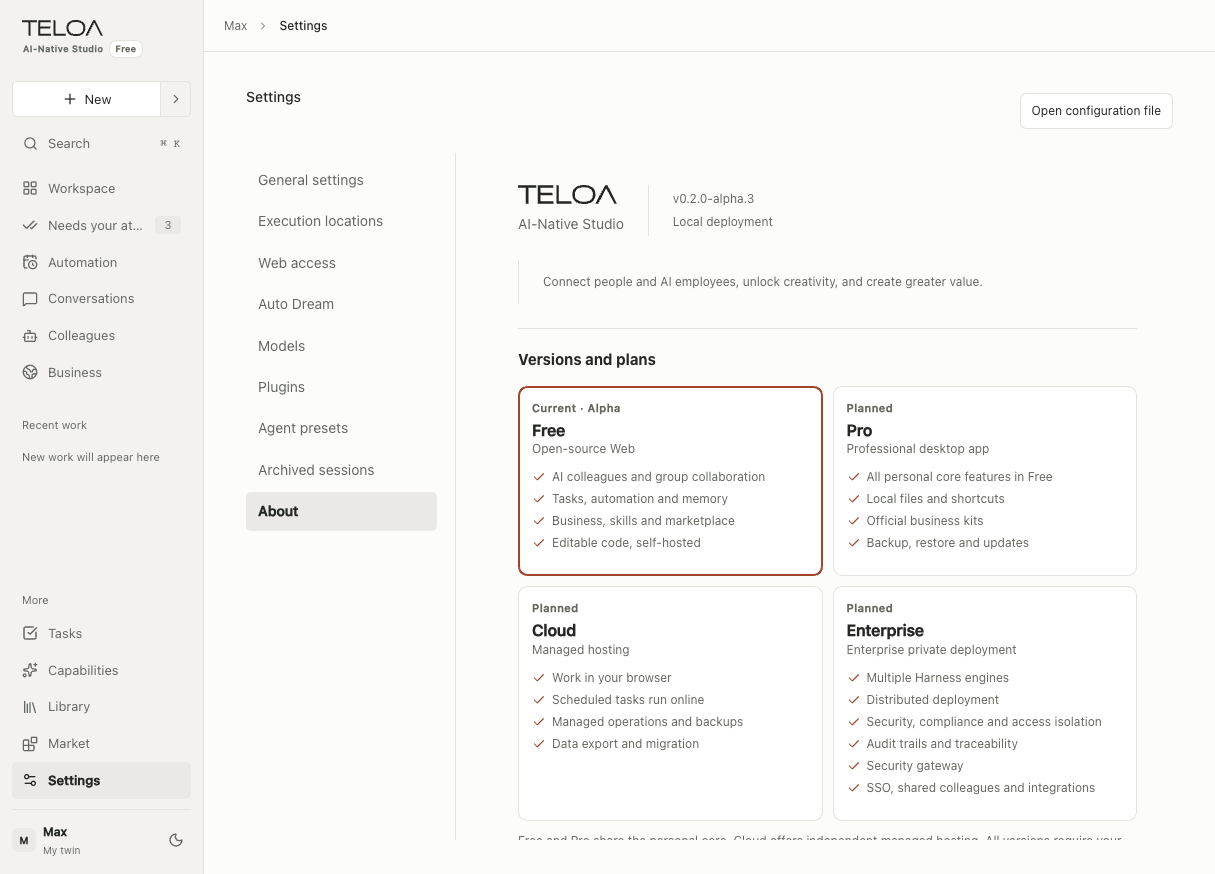
Free and Pro share the personal core features. Every plan requires your own model service. Model API keys and token usage are not included.
Open-source Web
Start here if you want to deploy and maintain it yourself.
Professional client
Lead your team every day with less setup and maintenance.
Managed hosting
Start in your browser and keep work running in the cloud.
Private enterprise deployment
Deploy an AI team in your organization’s environment with centralized operations and security.
The personal, locally hosted Web Alpha is available today. Pro, Cloud, and Enterprise are planned. Pricing, quotas, and full support details will be published before they become available.
| Feature | Free | Pro · Planned | Cloud · Planned | Enterprise · Planned |
|---|---|---|---|---|
| How you use it | Browser | Professional client, Mac first | Browser, optionally alongside Pro | Private enterprise deployment |
| Runtime environment | Your own computer | Primarily your own computer | A hosted environment managed by Teloa | Your organization’s environment |
| Colleagues, groups, tasks, and automation | Personal core features | Shared personal core | Shared personal core, run in the cloud | Shared business core with multi-user management |
| Main additions | Configure and extend it yourself | Local files, quick actions, and maintenance tools | Continuous operation, backups, and managed maintenance | Multiple engines, distributed operation, and enterprise security governance |
| Harness engine | DSH | The personal core engine | A hosted core engine | Multiple harness engines, connected and managed by business |
| Distributed deployment | Runs locally | Runs locally | Hosted environment maintained by Teloa | Distributed across multiple nodes in your organization’s environment |
| Security and compliance | Personal knowledge and tool permissions, with action approvals | The same personal permissions and approvals | Access control in the hosted environment | Organization-wide security and compliance policies, permission isolation, and unified identity |
| Action auditing | Task and execution records | Task and execution records | Hosted task and execution records | Organization-wide action auditing and traceability |
| Security gateway | No enterprise gateway | No enterprise gateway | No enterprise gateway | Enterprise security gateway and access policies |
| Knowledge and capabilities | Community resources, custom resources, imports, and exports | Adds officially maintained business kits | Community resources, custom resources, imports, and exports | Adds internal catalogs and enterprise adaptations |
| Code and data control | Modifiable open-source core; you manage your data | Local-first; commercial client licensing scope to be specified separately | Work data hosted by Teloa, with a migration path | Customer-controlled environment; commercial source review or customization by contract |
| What you pay for | Free core; you pay for infrastructure and models | Software fee; model usage separate | Hosting subscription; model usage separate | Software licensing and delivery services; models and infrastructure separate |
FAQ
Each AI colleague has its own responsibilities, knowledge, skills, and tool permissions. Assign work in a conversation, then follow the owner, progress, and results. Missing information and pending approvals appear in Needs you, where you can also take over.
A task is a specific piece of work. A template saves its goal, inputs, and delivery requirements for reuse. An automation starts tasks at a daily or weekly time you set. Scheduled tasks stop running when the local service is shut down.
Colleagues extract lessons from daily work and automatically save them as role memories. Later tasks can reference memories with valid sources and the right business scope. Twin habit observations are also saved automatically as private samples. You can withdraw memories. Discarding a source log prevents linked memories from being used in future tasks. Turning Auto Dream off keeps existing logs.
Choose a role, skill, or task template, or add an entire industry solution. Check its contents and version, then add knowledge, configure connections, and grant permissions on the relevant pages. You can also import resource packages or export your own business configuration. Adding a template does not automatically grant access to tools or knowledge.
The personal Free Web edition runs locally and is in Alpha preview. The Pro client, Cloud hosting, and Enterprise private deployment are not yet available. The public repository is being prepared. Email us to ask about preview access.
They share personal core workflows: digital colleagues, groups, tasks, automation, knowledge, and capabilities. Free is an open-source Web edition you maintain yourself. Pro is planned as a professional client with local system integrations, official business kits, and maintenance tools for professionals and one-person companies using it every day.
Pro is planned to work independently on your computer. Cloud is for people who want managed hosting and continuous online operation without deploying the service themselves. Cloud is also planned to work independently in a browser. Cloud services cannot directly access local resources without authorization.
Free’s open-source core can be run and modified independently. Enterprise is planned for organizations, with multiple harness engines, distributed deployment, security and compliance, action auditing, and a security gateway, plus SSO, shared colleagues, and enterprise integrations. The delivery scope and services will be agreed in the proposal. Access to commercial component source code and licensing are governed by contract.
Yes. No edition includes model API keys or token credits. You bring your own model service and cover its usage fees. The current Free edition uses DeepSeek Harness. Docker and Docker Compose start the application and database together. See the development documentation for the source development environment.
Business records and material are stored locally. Model calls send the relevant task context and authorized material to your configured model provider. When web access is authorized, search queries and fetch requests are sent to the corresponding services. Tool permissions can be configured per colleague.
Review important results. Models can miss information or make incorrect judgments, so verify key details in both text and images. Check the evidence before making important decisions or taking external actions.
The personal Free edition is currently in Alpha preview.